Why this guide matters
IPTV (Internet Protocol Television) is transforming how millions of people watch television around the world. Instead of relying on traditional cable or satellite signals, IPTV delivers live TV channels, movies, and on-demand content through your internet connection. This shift gives viewers more control over what they watch, when they watch it, and on which device.
If you are new to IPTV, the technical terms, device requirements, and service options can feel overwhelming. This guide breaks everything down into simple, actionable steps. By the end, you will understand exactly what IPTV is, what you need to get started, how to choose a provider, and how to set everything up on your preferred devices.
For device-specific setup instructions, see the Smart TV setup guide, Fire Stick setup guide, and Android TV box setup guide. If you are comparing providers, the provider checklist helps you evaluate your options.
What is IPTV and how does it work
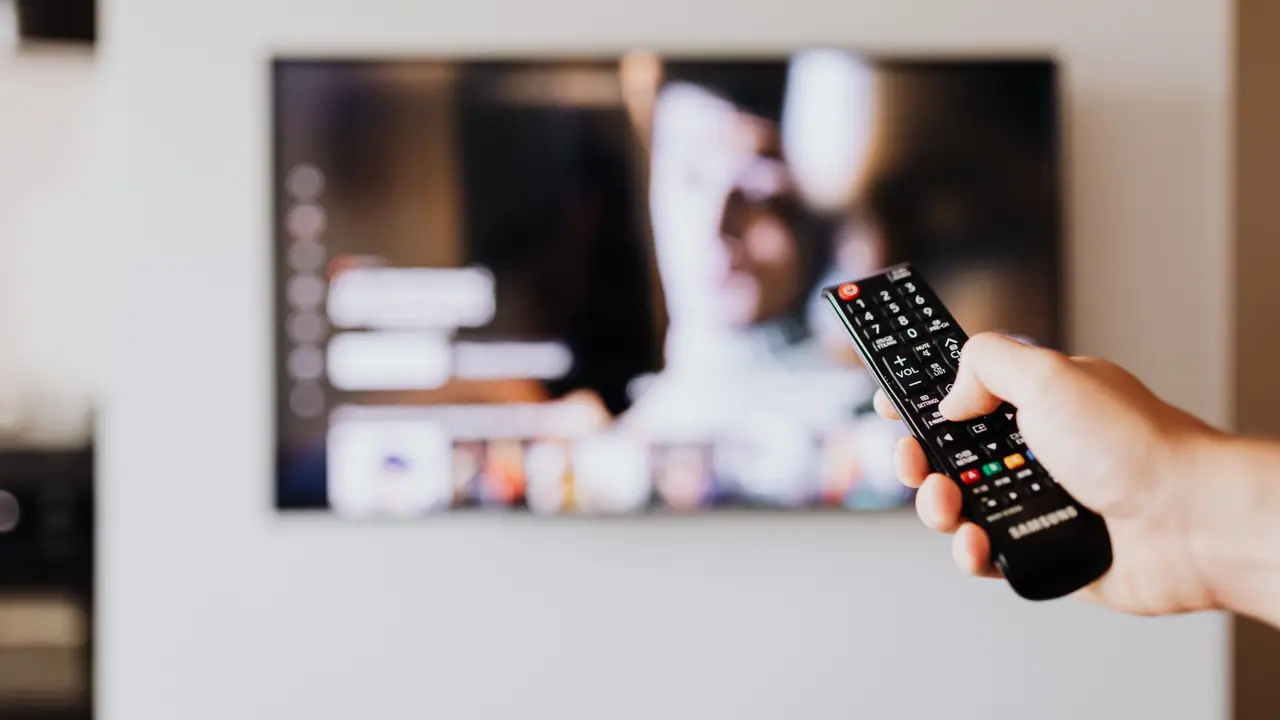
IPTV stands for Internet Protocol Television. Unlike traditional broadcast methods that send signals through cable lines, satellite dishes, or terrestrial antennas, IPTV uses the same internet protocol that powers websites and streaming services. When you open an IPTV app on your TV or streaming device, it connects to a server that sends video data in small packets over your internet connection. Your device then decodes and displays these packets as live television channels or on-demand content.
The key difference between IPTV and streaming services like Netflix or YouTube is that IPTV typically delivers live television channels in real time, similar to a traditional cable subscription. Many IPTV services also include video-on-demand (VOD) libraries with thousands of movies and TV series, as well as catch-up TV features that let you watch programs that aired hours or days ago.
IPTV services require two components: a provider that supplies the channel lineup and server infrastructure, and a player app installed on your device that decodes the stream and presents the channel guide. The provider gives you login credentials (typically a username, password, and server URL) that you enter into the player app. The player handles the actual streaming experience — the channel list, electronic program guide (EPG), and playback controls.
There are three main delivery methods for IPTV. The most common is Xtream Codes API, which offers the best user experience with automatic channel lists and EPG integration. M3U URLs provide a playlist-based approach that works with most IPTV players. Portal-based login (also called MAG/Stalker) uses a web-based portal interface and is less common in modern setups. Most premium IPTV providers now use Xtream Codes API because it is the most user-friendly and feature-rich option.
- IPTV delivers live TV and on-demand content over the internet
- Unlike cable or satellite, IPTV works on any device with an internet connection
- You need a provider (service subscription) and a player app (software)
- Most providers use Xtream Codes API, M3U URLs, or portal-based login
- IPTV supports live TV, VOD, catch-up TV, and EPG (electronic program guide)
What you need to get started with IPTV
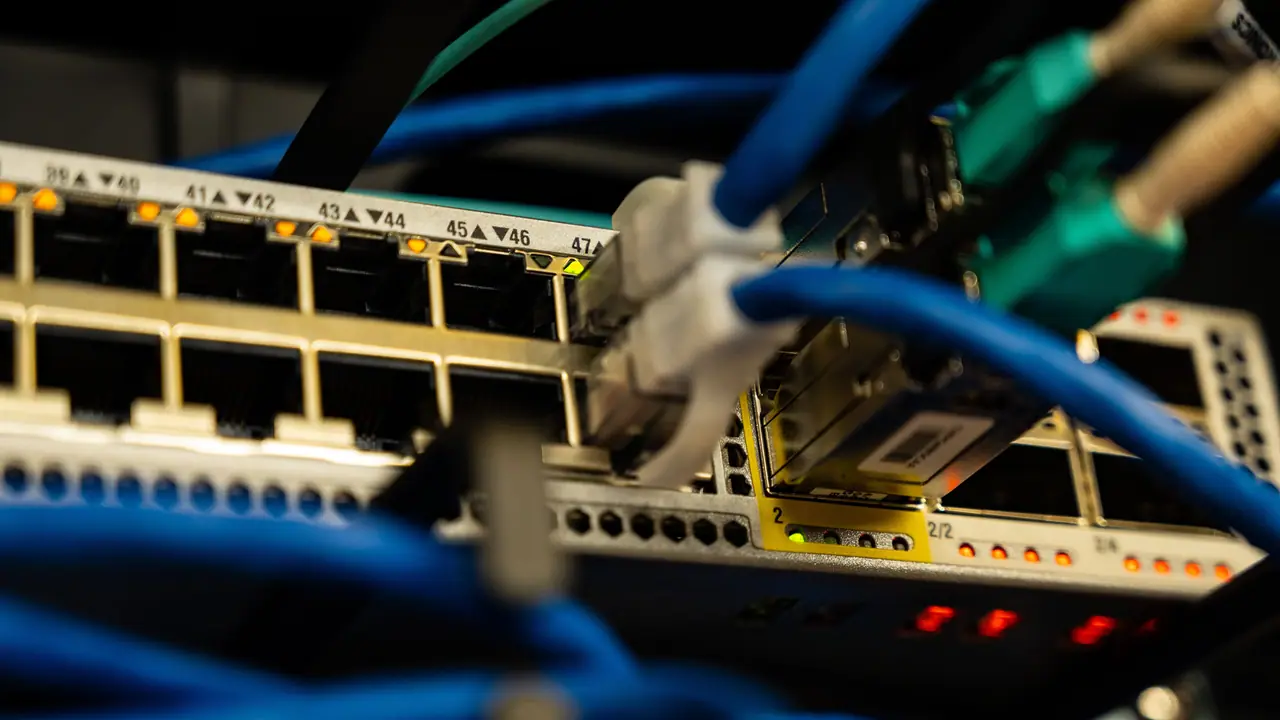
Getting started with IPTV requires only a few essential components. Here is a complete breakdown of everything you need, from internet requirements to device options and subscription details.
| Requirement | Minimum | Recommended | Notes |
|---|---|---|---|
| Internet speed | 25 Mbps | 50+ Mbps | For HD streaming (4K requires 100+ Mbps) |
| Connection type | Wi-Fi (5 GHz) | Ethernet | Wired reduces buffering significantly |
| Streaming device | Smart TV or streaming stick | Android TV box or Fire TV Cube | Dedicated devices perform best |
| IPTV player app | Free version | Premium (TiviMate, Smarters) | Premium unlocks multi-view, recording, EPG |
| IPTV subscription | 1-month plan | 6 or 12-month plan | Longer plans offer better value |
Your internet connection is the single most important factor. IPTV streams live video in real time, so a stable connection matters more than raw speed. A 25 Mbps connection can handle HD streams, but 50 Mbps or higher is recommended if multiple devices use the internet simultaneously. 4K IPTV streaming requires at least 100 Mbps. If possible, connect your streaming device via Ethernet instead of Wi-Fi — wired connections eliminate the wireless interference that causes buffering.
The choice of streaming device also affects your experience. Android TV boxes and the Fire TV Cube offer the best performance because they have powerful processors and ample RAM. Streaming sticks like the Fire Stick Lite or Chromecast are more affordable but may struggle with 4K content or complex EPG navigation. Smart TVs with built-in IPTV support are convenient but can slow down over time as the TV hardware ages.
For VPN setup guidance, see the IPTV VPN guide. For performance optimization tips, refer to the buffering checklist.
IPTV vs cable vs streaming services: key differences

Understanding how IPTV compares to traditional cable and popular streaming services helps you decide which option — or combination of options — is right for your household. Each delivery method has distinct advantages and limitations.
| Feature | IPTV | Cable TV | Streaming (Netflix, Hulu) |
|---|---|---|---|
| Live channels | Thousands | 100-500 | Limited or none |
| Monthly cost | $10-20 | $80-200+ | $15-50 total |
| Device flexibility | Any device with internet | TV only (set-top box) | Any device with app |
| Content library | VOD + live TV | Live TV only | VOD only |
| On-demand catalog | 10,000+ titles | Minimal | Extensive |
| Contract required | No (monthly) | Often 12-24 months | No (monthly) |
| Picture quality | Up to 4K (depends on internet) | Consistent HD | Up to 4K HDR |
| Setup complexity | Moderate (requires configuration) | Low (plug and play) | Very low |
The most compelling advantage of IPTV is value. A premium IPTV subscription with thousands of live channels and an extensive VOD library typically costs between $10 and $20 per month — a fraction of the $80 to $200+ monthly cost of cable television. You are not locked into long-term contracts, and you can use the same subscription on multiple devices in your home.
The main trade-off is that IPTV quality depends on your internet connection. Cable delivers consistent picture quality regardless of network conditions, while IPTV streams can buffer or drop in quality during peak usage hours. This is where a wired Ethernet connection and a quality streaming device make the biggest difference. Unlike cable, IPTV also requires some initial configuration — you need to install a player app and enter your login credentials before you can start watching.
For most households, the best approach is to combine IPTV for live television with one or two streaming services for specific on-demand content. This gives you comprehensive channel coverage at a fraction of the cost of traditional cable.
Ready to start streaming?
Types of IPTV services explained
IPTV services come in several forms, and understanding the difference helps you choose the right subscription for your viewing habits. Most premium IPTV providers like qwevo tv offer a comprehensive package that includes all three types described below.
Live IPTV: This is the most common type and the closest replacement for traditional cable television. Live IPTV streams television channels in real time, just as they are broadcast. You get access to news channels, sports networks, entertainment channels, documentaries, music channels, and more — often thousands of channels from multiple countries. Live IPTV channels are organized in an electronic program guide (EPG) that shows what is currently airing and what will air next, similar to the guide on cable or satellite TV.
Video on Demand (VOD): Most premium IPTV subscriptions include a large library of on-demand movies and TV series. These are organized by genre, release year, and popularity, similar to Netflix or Amazon Prime Video. The VOD library is typically updated weekly with new releases and classic titles. VOD content streams at the highest quality your connection can support, and you can pause, rewind, and fast-forward just like any streaming service.
Catch-up TV: This feature lets you watch programs that aired on live channels in the past few hours or days. If you miss a show that aired earlier in the day, catch-up TV lets you access it from the EPG and watch it on demand. The availability window varies by provider — typically 24 to 72 hours for most channels. Catch-up TV is one of the most underrated features of IPTV and is a major reason many viewers cut cable entirely.
- Live IPTV: real-time television channels with EPG guide
- VOD: thousands of movies and TV series available on demand
- Catch-up TV: watch recent live broadcasts for 24-72 hours after airing
- Most premium providers bundle all three in one subscription
- Some providers offer specialized sports or international packages
How to choose the right IPTV provider
Choosing an IPTV provider is the most important decision you will make as a new IPTV user. The quality of your streaming experience depends far more on the provider than on the device or player app you use. Here are the critical factors to evaluate when comparing providers.
| Factor | What to look for | Why it matters |
|---|---|---|
| Channel count | 10,000+ channels | More channels mean better coverage of sports, news, entertainment |
| VOD library | 10,000+ titles | A large VOD library replaces the need for separate streaming services |
| Server stability | 99%+ uptime | Frequent downtime makes a service unusable |
| EPG quality | Accurate, populated guide | Without a good EPG, finding what to watch is difficult |
| Connection slots | 2+ simultaneous connections | Multiple devices streaming at once without extra cost |
| Payment options | Multiple secure methods | Credit card, PayPal, and crypto provide flexibility |
| Trial available | 24-48 hour free trial | Test before you commit to a paid subscription |
| Customer support | 24/7 live chat or Telegram | Quick help when something goes wrong |
Start by looking for providers that offer a free trial. A 24 to 48 hour trial lets you test channel quality, EPG accuracy, and server stability on your specific device and internet connection before spending any money. This is the single best way to evaluate a provider.
Channel variety is another critical factor. A good provider should offer channels from multiple countries and in multiple languages, organized into logical categories like sports, news, entertainment, documentaries, and kids programming. The best providers also offer specialized sections for live sports events, including dedicated channels for major leagues and tournaments. For sports-specific requirements, see the live sports guide.
Check how many simultaneous connections are allowed. If you plan to use IPTV on multiple devices in your household (for example, a TV in the living room and another in the bedroom), you need at least two connection slots. Some providers charge extra for additional connections, while others include them in the base subscription price.
For a detailed comparison framework, read the complete provider checklist guide. The IPTV pricing guide explains the relationship between plan length, price, and value.
Best devices for IPTV streaming in 2026

IPTV works on almost any device with an internet connection and a screen. However, the streaming experience varies significantly between device types. Here is a comparison of the most popular IPTV devices and what you can expect from each.
| Device | Performance | Ease of setup | Best for | Price range |
|---|---|---|---|---|
| Android TV box | Excellent | Easy | Primary home streaming | $40-150 |
| Fire TV Stick | Good | Moderate | Budget-friendly streaming | $20-50 |
| Fire TV Cube | Excellent | Easy | Premium Fire TV streaming | $80-120 |
| Smart TV (Samsung, LG) | Moderate | Moderate | Convenience, no extra device | Built-in |
| Google TV / Chromecast | Good | Easy | Google ecosystem users | $30-60 |
| iPhone / iPad | Excellent | Easy | Mobile and travel viewing | Already owned |
| PC / Mac | Excellent | Easy | Desktop viewing | Free software |
For the best all-around experience, an Android TV box offers the best combination of performance, app availability, and ease of use. These devices run the Android TV operating system, which has native IPTV player apps available on the Google Play Store. The Nvidia Shield TV Pro remains the gold standard for IPTV performance, but more affordable options from brands like Xiaomi and Amazon (Fire TV Cube) also deliver excellent results.
Fire TV devices are the most popular choice for IPTV in North America. They are affordable, widely available, and support all major IPTV player apps. The main consideration is storage — Fire Stick models have limited internal storage, so installing too many apps can slow down navigation. The Fire TV Cube offers more storage and processing power for a smoother experience.
Smart TVs offer the most convenient setup because no additional device is required. However, IPTV app availability varies by brand, and the built-in processors in Smart TVs can struggle with large channel lists and VOD libraries. If you already own a recent Samsung or LG Smart TV, try IPTV on it first before buying a dedicated streaming device.
For detailed setup instructions on each device, see the dedicated guides: Smart TV, Fire Stick, Android TV box, and iPhone / iPad.
Ready to start streaming?
How to set up IPTV: step-by-step overview

Once you have chosen a provider and a device, setting up IPTV follows a straightforward process. The exact steps vary by device and player app, but the general workflow is the same. Here is what you need to do.
Step 1: Subscribe to an IPTV provider. Choose a provider that offers the channels and VOD content you want. Sign up for an account and choose a plan that matches your needs. Most providers offer 1-month, 3-month, 6-month, and 12-month plans. Longer plans offer the best value but require a larger upfront payment. After subscription, you will receive login credentials (username, password, and server URL) or an M3U playlist URL.
Step 2: Install an IPTV player app. Go to your device's app store and install a compatible IPTV player. Popular options include TiviMate (best for TV-based viewing), IPTV Smarters Pro (best cross-platform player), and OTT Navigator (best free option). Each app has a slightly different interface, but all support the standard IPTV login methods.
Step 3: Enter your provider credentials. Open the player app and select the option to add a new playlist or subscription. Choose your provider's connection method (Xtream Codes API, M3U URL, or portal login) and enter the credentials you received. The app will connect to the provider's server and download the channel list, EPG data, and VOD catalog.
Step 4: Customize your channel list. Once the channel list loads, take a few minutes to organize it. Most player apps let you create favorites, hide unwanted channels, and reorder the list. Setting up favorites for your most-watched channels makes daily navigation much faster. Configure the EPG to show accurate program information for your region.
Step 5: Test and adjust. Start by watching a few live channels and on-demand titles to confirm everything works correctly. If you experience buffering, try adjusting the video player settings (reduce buffer size, change decoder) or check your network connection. Most IPTV player apps have a settings section where you can fine-tune the streaming performance.
Step 6: Connect additional devices. If your subscription supports multiple connections, install the same player app on your other devices and log in with the same credentials. Some providers allow all devices to stream simultaneously, while others require a separate connection slot for each active stream.
For app-specific setup guides, see IPTV Smarters Pro setup and TiviMate setup guide. For troubleshooting help, see the buffering checklist.
Tips for the best IPTV experience
These practical tips help you get the most out of your IPTV subscription, whether you are a complete beginner or have some experience with streaming.
Use Ethernet instead of Wi-Fi whenever possible. A wired connection eliminates wireless interference and provides the most stable stream for live TV. If Ethernet is not practical, use 5 GHz Wi-Fi and keep your device close to the router. The difference between Wi-Fi and Ethernet is especially noticeable during live sports events, where even brief buffering can cause you to miss critical moments.
Choose a quality IPTV player app. The player app has a significant impact on your viewing experience. Premium apps like TiviMate offer features like multi-view (watch multiple channels simultaneously), recording, catch-up support, and superior EPG integration that free apps lack. Investing in a premium player app is one of the most cost-effective improvements you can make.
Keep your EPG up to date. The electronic program guide makes IPTV feel like a premium service. Most player apps update the EPG automatically, but you can also force a manual update if program information seems outdated or incorrect. An accurate EPG turns a raw channel list into a proper television experience.
Organize your favorites. Most IPTV subscriptions include thousands of channels. Browsing the full list every time you want to watch something is tedious. Spend 10 minutes on the first day creating a favorites list of your most-watched channels. This single action saves you time every day and makes IPTV feel more like a curated service.
Use a VPN if your ISP throttles streaming. Some internet service providers intentionally slow down streaming traffic during peak hours. If you notice buffering that consistently starts at the same time each evening, a VPN can help by encrypting your traffic so your ISP cannot identify or throttle it. For VPN recommendations, see the IPTV VPN guide.
- Use Ethernet for the most stable connection
- Choose a premium IPTV player app for the best features
- Keep your EPG updated for accurate program information
- Create a favorites list of your most-watched channels
- Use a VPN if your ISP throttles streaming traffic
- Test different video decoders if you experience playback issues
Common IPTV myths debunked
Several misconceptions about IPTV persist online. Here are the most common myths and the facts that dispel them.
Myth: IPTV is illegal. Fact: IPTV technology itself is completely legal. It is simply a method of delivering television content over the internet. The legality depends on whether the provider has proper licensing for the content they distribute. Legitimate IPTV providers like qwevo tv operate with proper licensing agreements. Always choose a reputable provider to ensure you are using the service legally.
Myth: You need a powerful device for IPTV. Fact: While a powerful device improves the experience, IPTV works on modest hardware. A Fire Stick Lite or basic Android TV box can stream HD channels without issues. 4K streaming requires more processing power, but standard HD IPTV runs on almost any device made in the last five years.
Myth: IPTV requires extremely fast internet. Fact: A 25 Mbps connection is sufficient for HD IPTV streaming. Most home internet connections in developed countries exceed this speed. The stability of the connection matters more than raw speed. A consistent 25 Mbps connection will provide a better experience than an inconsistent 100 Mbps connection.
Myth: All IPTV providers are the same. Fact: Provider quality varies enormously. The difference between a good and poor provider is visible within minutes of streaming — channel list organization, EPG accuracy, server uptime, and customer support quality vary dramatically. Always test with a free trial before subscribing.
Myth: IPTV is too complicated to set up. Fact: Setting up IPTV takes about 10-15 minutes on most devices. Install a player app, enter your login credentials, and start watching. The setup is comparable to setting up a new streaming service like Netflix or Disney+.
Ready to start streaming?
Frequently asked questions about IPTV
Here are answers to the most common questions new IPTV users ask. For additional questions, see the support and troubleshooting guide or visit the support page.
Next steps: your IPTV journey starts here
You now have a solid understanding of what IPTV is, what you need to get started, and how to set everything up. The next step is to choose a provider and try it on your preferred device. Start with a free trial to confirm that IPTV works well on your internet connection and device before committing to a longer plan.
Bookmark these resources for ongoing reference: the Smart TV setup guide for television users, the buffering checklist if you encounter streaming issues, and the pricing guide to understand subscription options. For a complete feature overview, see the IPTV features guide.
If you have questions during setup, the support page has contact information and additional resources. Welcome to the world of IPTV streaming — you are about to discover a more flexible, affordable, and feature-rich way to watch television.