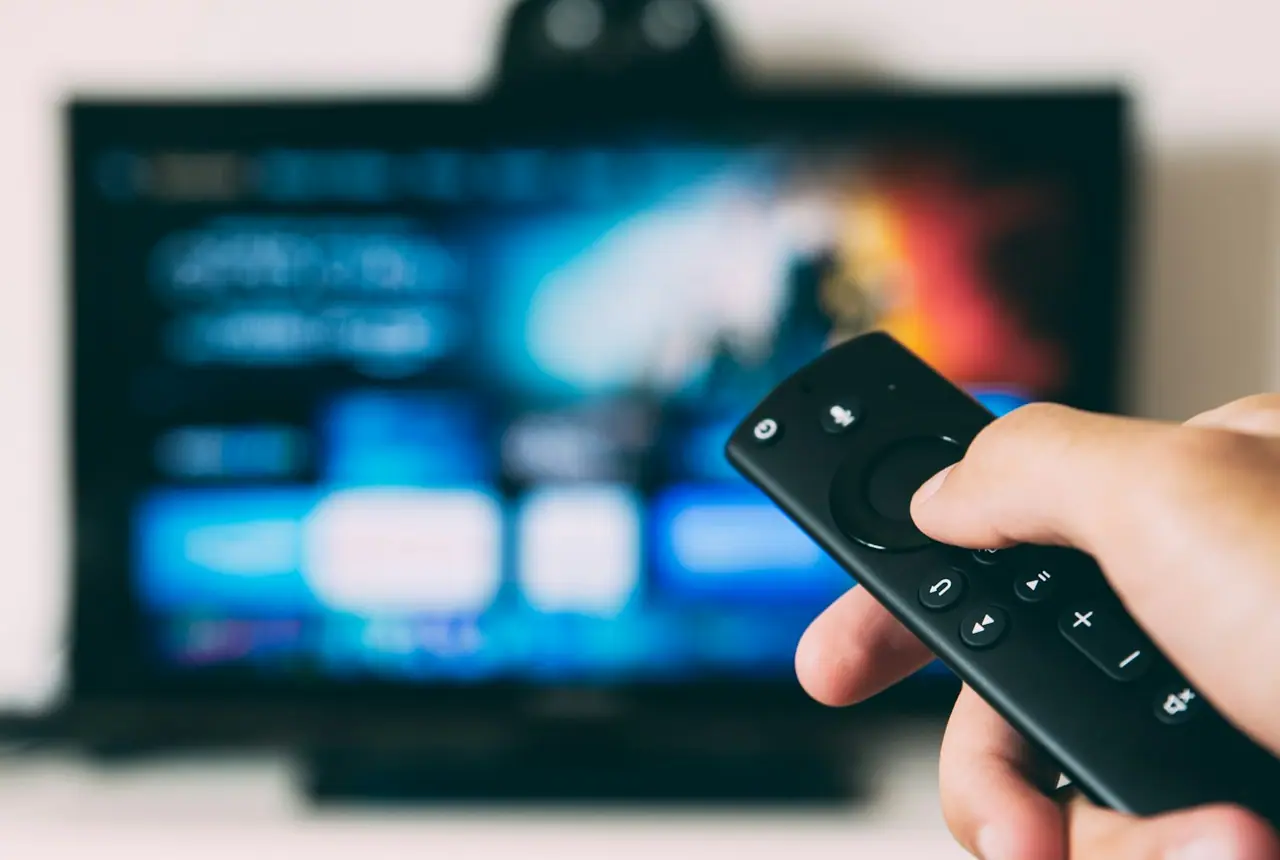
qwevo tv brings premium IPTV features, broad device compatibility, stable IPTV playback guidance, and responsive support into one clean experience. Compare setup options, check supported devices, and move naturally from features to pricing, setup articles, or support.
Fast setup
qwevo tv is built for a quick IPTV setup from the moment you choose a plan. After confirmation, activation details are shared through a simple support flow so you can move from purchase to watching without sorting through confusing technical steps. The setup process is designed for common IPTV streaming apps and popular living-room devices, including Smart TV IPTV apps, Fire TV IPTV apps, Android TV IPTV players, phones, and tablets. If you already use IPTV Smarters or TiviMate, support can guide you on where to add your login details and how to organize the first launch. The goal is practical: clear instructions, fewer delays, and a setup path that makes sense even if this is your first premium IPTV subscription.
Stable playback
Stable IPTV playback matters most when you are watching live sports, weekend movies, or a series episode everyone has been waiting to see. qwevo tv focuses on a smoother daily IPTV streaming experience with clear device guidance, app recommendations, and troubleshooting steps when a connection or player setting needs attention. Playback quality can depend on your internet speed, Wi-Fi signal, device performance, and the IPTV app you choose, so support helps you check the simple causes first. That includes restarting the app, testing another network, checking player settings, and choosing a reliable device for longer sessions. The result is a service experience centered on consistency, not just a long list of channels.
All major devices
qwevo tv supports the devices people actually use at home and on the move. You can set up premium IPTV on Samsung Smart TV, LG Smart TV, Android TV, Fire TV Stick, Google TV, smartphones, and tablets. Many customers prefer Smart TV IPTV for the living room, Fire TV IPTV for an easy plug-in setup, or Android TV IPTV when they want flexible app options. qwevo tv also works with familiar IPTV players such as IPTV Smarters and TiviMate, depending on your device and preference. This broad compatibility makes it easier to keep one subscription experience across multiple screens while still choosing the app that feels best with your remote, touchscreen, or streaming device.
Helpful support
Good IPTV support should be easy to reach and clear about the next step. qwevo tv uses WhatsApp support for activation questions, device setup guidance, billing help, renewal questions, and playback troubleshooting. Instead of leaving you to guess which app or setting is right, support can point you toward a practical setup path for Smart TV IPTV, Fire TV Stick, Android TV, mobile devices, IPTV Smarters, or TiviMate. If playback buffers, if an app asks for details in a different format, or if you are unsure which plan fits your needs, the support channel keeps the conversation simple. It is a useful layer of the service, especially for customers who want premium IPTV without complicated configuration.
Device compatibility
qwevo tv is designed for flexible IPTV streaming across the screens people already own. Use it on a main Smart TV, a Fire TV Stick in another room, an Android TV box, Google TV, or mobile devices when you want access away from the sofa. Compatibility also includes popular IPTV player apps such as IPTV Smarters and TiviMate.
Samsung Smart TVLG Smart TVAndroid TVFire TV StickGoogle TVSmartphonesTabletsIPTV SmartersTiviMate
Choose the path that fits your screen.
A living-room setup usually starts with Smart TV IPTV, Fire TV IPTV, or Android TV IPTV. Mobile users can use smartphones or tablets for a smaller screen experience, while IPTV Smarters and TiviMate are common player choices for customers who want familiar navigation. For plan details, visit the qwevo tv pricing page. For practical setup reading, browse the IPTV blog.
Support
IPTV support that stays clear after activation.
qwevo tv support helps with the parts of premium IPTV that matter after you order: WhatsApp activation, device setup guidance, billing help, and troubleshooting when playback or app settings need attention.
WhatsApp support
Use WhatsApp for activation updates, setup questions, renewal requests, and quick account help. It keeps IPTV support direct and easy to follow.
Device setup guidance
Get help choosing the right IPTV app, entering your details, and checking basic settings on Smart TV, Fire TV Stick, Android TV, phones, and tablets.
Billing help
Ask about plan selection, renewals, payment confirmation, and the next step after ordering so the service starts cleanly.
Troubleshooting help
When IPTV playback buffers or an app behaves unexpectedly, support can help you check internet, device, app, and account basics.
Next steps
Ready to compare plans or ask a setup question?
If you are still choosing a subscription, compare plan length and value on the pricing page. If you already know your device, open WhatsApp support and ask for setup guidance for your Smart TV, Fire TV Stick, Android TV, IPTV Smarters, or TiviMate.
qwevo tv supports Samsung Smart TV, LG Smart TV, Android TV, Fire TV Stick, Google TV, smartphones, tablets, IPTV Smarters, and TiviMate.
How fast is IPTV activation?
Most IPTV setup details are shared quickly after confirmation, and WhatsApp support can guide you through the first launch on your chosen device.
Does qwevo tv work on Fire TV Stick?
Yes. Fire TV IPTV setup is one of the common ways to use qwevo tv, especially for customers who want a simple streaming device connected to the television.
Can I use qwevo tv on Smart TV?
Yes. qwevo tv works with Smart TV IPTV apps on supported Samsung and LG models, and support can help you choose the right setup route.
Do you offer WhatsApp support?
Yes. WhatsApp support is available for IPTV activation, device setup guidance, billing questions, renewal help, and troubleshooting.
Is qwevo tv easy to set up?
Yes. The setup process is designed to be direct, with clear guidance for popular IPTV apps and devices such as Smart TVs, Fire TV Stick, Android TV, phones, and tablets.
What should I do if IPTV playback buffers?
Start by checking your internet connection, Wi-Fi signal, device performance, and app settings. If buffering continues, contact support for troubleshooting help.
Which IPTV apps can I use?
Many customers use IPTV Smarters or TiviMate, depending on their device. Support can help you confirm the best option for your screen.