3 Months
Starter
€37
About €12.33 per month.
- 26,000+ live channels
- 100,000+ vods
- 4k & fhd quality
- anti-freeze servers
- all devices supported
- 24/7 whatsapp support
- free setup assistance
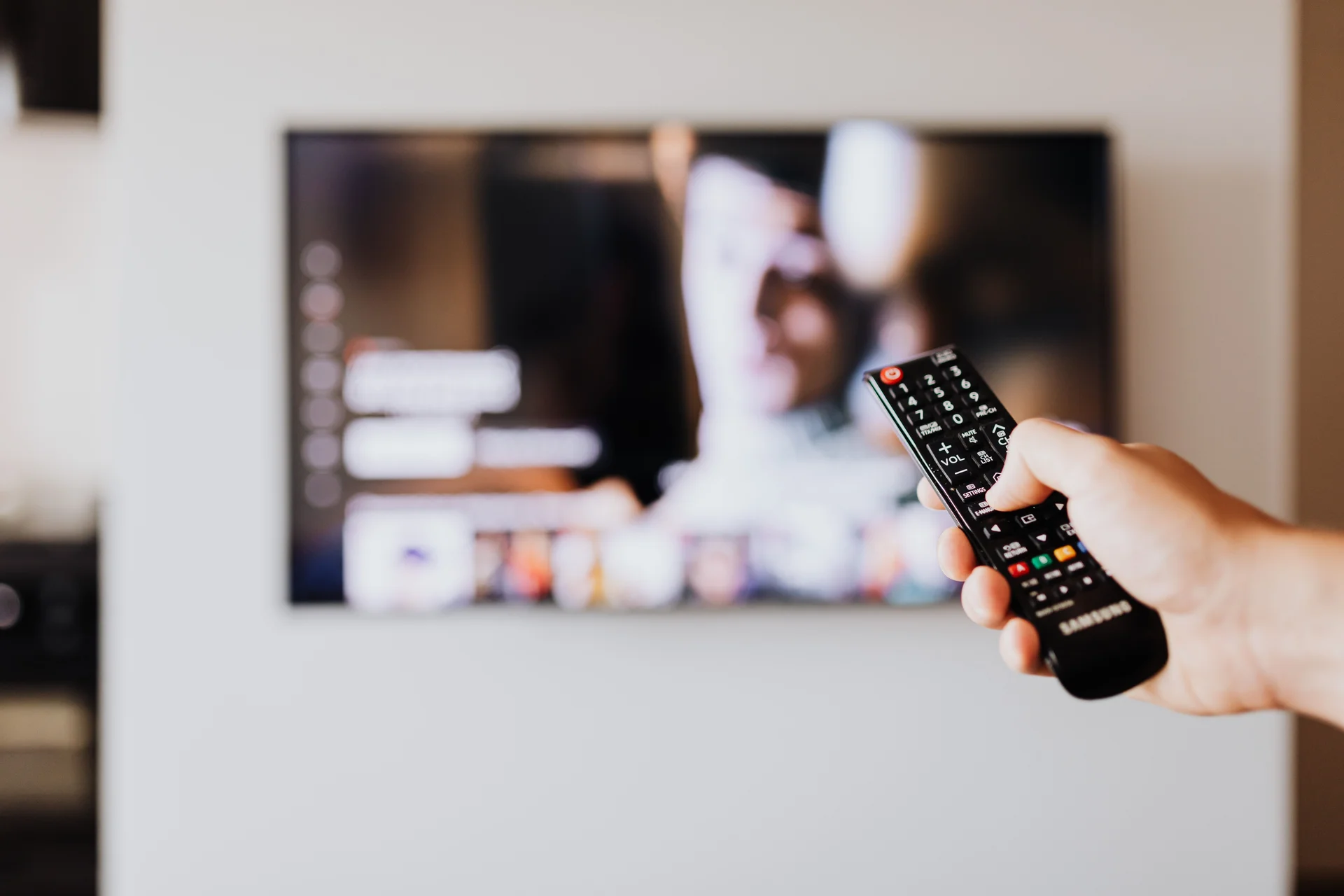
qwevo tv delivers premium IPTV with 26,000+ live channels, 100,000+ VOD titles, and instant activation. Stream on every device with anti-freeze technology and 24/7 support.
25,000+
Live channels worldwide
4K / HD
Ultra HD quality streams
Multi Device
Watch on any screen
99.9%
Server uptime guarantee
Watching Now
0viewers
Channels
26,000+
Uptime
99.9%
Works on all your favorite devices
Pricing snapshot
The pricing section uses stronger contrast, value cues, and a supporting entertainment image so the plan grid feels deliberate instead of bare.
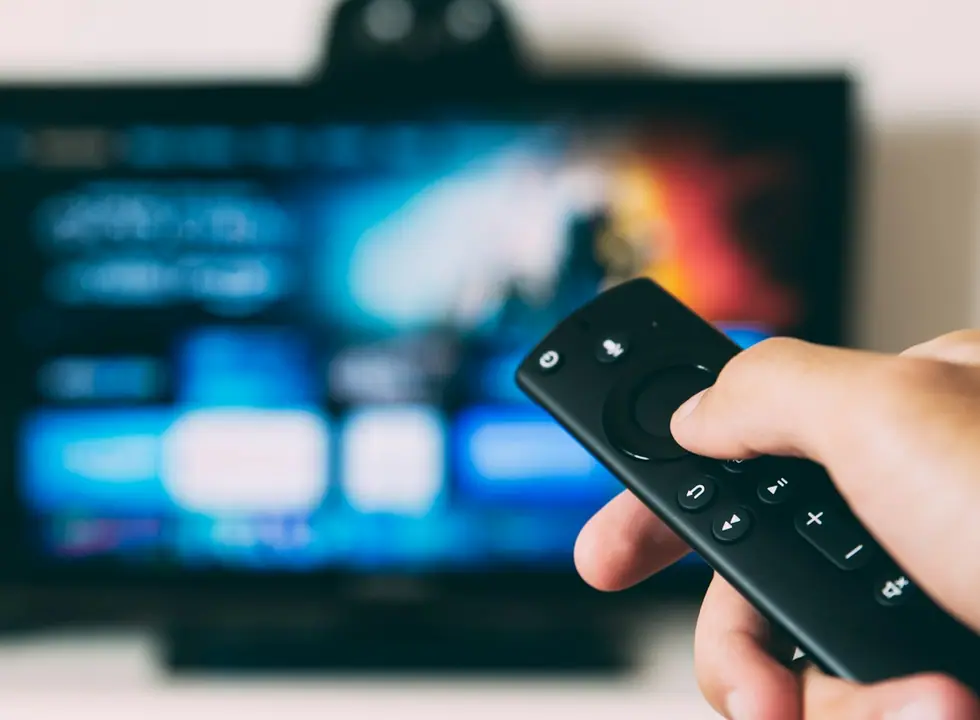
4K entertainment
3 Months
€37
About €12.33 per month.
6 Months
€49
About €8.16 per month.
12 Months
€67
About €5.58 per month.
Premium experience
Real device imagery, clearer cards, and layered gradients make qwevo tv feel like a professional paid service without adding video or heavy animation.
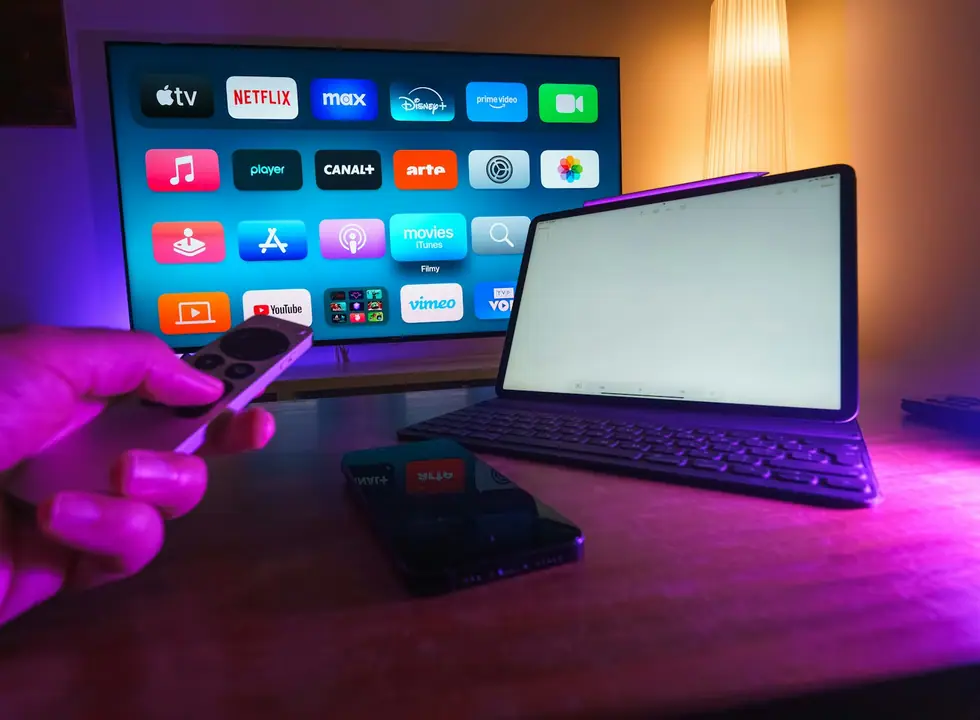
Smart TV ready
Built for the main screen.
Order, activate, and watch with a simple WhatsApp flow that keeps the first step clear.
Designed for smooth channel switching, sports nights, and long-form movie sessions.
Works across Smart TV, Android TV, Fire Stick, mobile, tablet, and desktop.
Setup guidance, renewal help, and troubleshooting stay visible from the first visit.
The redesign uses simpler shapes, smaller visual assets, and a tighter hierarchy so the experience stays usable on a slower development machine.
Device support
qwevo tv works with the most popular IPTV devices on the market. Whether you use a Smart TV, Fire Stick, Android TV box, or mobile device, the setup process is quick and the streaming quality stays consistent across every screen.
Install the IPTV app directly on Samsung, LG, or Sony Smart TVs. No extra hardware needed — just connect to Wi-Fi and follow the setup steps to start watching live channels and on-demand content.
Smart TV guideAmazon Fire TV Stick is one of the most common devices for IPTV streaming. Install a compatible app from the Amazon store, enter your qwevo tv login details, and start watching in minutes.
Fire Stick guideAndroid TV boxes and Google TV devices support IPTV natively through the Play Store. The interface is familiar and finding channels works like a standard electronic program guide.
IPTV optimization guideWatch on your phone or tablet anywhere with an internet connection. qwevo tv stream on both iOS and Android using popular IPTV player apps available in each app store.
Best IPTV appsIPTV explained
IPTV stands for Internet Protocol Television. Instead of using cable, satellite, or terrestrial signals, IPTV delivers television content over your broadband internet connection. This changes how live channels, on-demand movies, and sports events reach your screen. The technology relies on your existing home internet connection and a compatible device, which means you can watch television anywhere you have broadband access.
Traditional cable and satellite television send signals through dedicated coaxial cables or satellite dishes. These setups often require professional installation, long-term contracts, and expensive monthly fees that increase over time. IPTV works differently: it uses your existing broadband connection to stream content directly to your device over the internet. This means you are not tied to a specific provider, a long-term contract, or expensive installation fees. With qwevo tv, you get access to a global content library through a simple internet connection and a compatible device. You can watch the same live channels, sports events, and on-demand content without the overhead of traditional broadcast infrastructure.
IPTV works by sending video content in small data packets over the internet using the same protocols that power web browsing and video streaming services. When you select a channel or a movie, the content streams in real time to your device through an IPTV player app. The player decodes the signal and displays it on your screen. The quality of your experience depends on three main factors: your internet connection speed, the server infrastructure supporting the stream, and the processing capability of the device you are using. qwevo tv combines anti-freeze servers with optimized streaming protocols to maintain stable playback on every supported screen, regardless of whether you are watching on a Smart TV, Fire Stick, Android TV box, or mobile device.
Watch live TV channels as they broadcast, including sports events, news bulletins, and entertainment programming from around the world. IPTV delivers live content with minimal delay compared to traditional broadcasting, making it suitable for real-time viewing of matches, breaking news, and live shows. With 26,000+ live channels available through qwevo tv, you can browse by category, switch between channels instantly, and use the electronic program guide to see what is airing now and next across the entire lineup.
Access thousands of movies and TV series whenever you want. Unlike scheduled programming, video on demand lets you browse, select, and start watching content instantly from a searchable digital library. qwevo tv includes 100,000+ VOD titles spanning every major genre including action, comedy, drama, documentary, horror, sci-fi, and international cinema. The library is updated regularly with new releases, and content is available in 4K and Full HD resolution on compatible devices.
IPTV services work across multiple devices at the same time. Watch a live football match on your Smart TV while a family member streams a movie on a tablet in another room using the same subscription. Your qwevo tv plan covers all your household devices, so there is no need to purchase separate subscriptions for different rooms or screens. This flexibility is one of the key advantages IPTV has over traditional cable, where each television typically requires its own set-top box and connection.
Setup guides
Getting started with qwevo tv is straightforward. After you choose a plan and complete activation through WhatsApp, follow these steps to start streaming on any compatible device. The same login credentials work across all your screens.
To set up IPTV on a Samsung, LG, or Sony Smart TV, open the built-in app store and search for a compatible IPTV player application. Install the app, open it, and enter the login details you received during activation. Most Smart TVs connect over Wi-Fi and display live channels through an easy-to-navigate electronic program guide that shows channel names, program schedules, and genre categories. The full setup takes a few minutes and requires no additional hardware beyond your television and internet connection. If you run into any issues during the Smart TV setup process, the qwevo tv support team can guide you through it step by step over WhatsApp.
Read full Smart TV guideAmazon Fire TV Stick is one of the most popular and easiest devices for IPTV streaming. Go to the Amazon App Store directly from your Fire Stick home screen, find a supported IPTV player, and install it with a single click. After installation, launch the app and authenticate using your qwevo tv credentials that were shared with you during activation. The Fire Stick interface is designed for fast navigation using the included remote control and works seamlessly with IPTV channel lists and electronic program guides. The device connects to your TV through an HDMI port, making it a portable solution that you can take with you when traveling.
Read full Fire Stick guideAndroid TV boxes and Google TV devices support IPTV apps natively through the Google Play Store, giving you access to the same app ecosystem as Android smartphones. For phones and tablets, compatible IPTV players are available in both the Google Play Store and Apple App Store. Once you install the app and log in with your qwevo tv credentials, you can start streaming immediately on any of your devices. Because your subscription is linked to your account rather than a specific device, you can switch between your Android TV, smartphone, and tablet freely without any additional setup steps.
Best IPTV apps guideStreaming quality
qwevo tv delivers a consistent IPTV experience with anti-freeze technology, high-resolution channels, and a content library built for live sports, news, and on-demand entertainment.
Buffering is one of the most common frustrations with IPTV streaming and can ruin the viewing experience during live sports or movies. qwevo tv uses anti-freeze server technology to reduce interruptions during live sports events, peak evening hours, and long movie sessions. The server infrastructure is designed to distribute traffic load efficiently and maintain stable playback even when multiple users are streaming high-resolution content at the same time. This means fewer pauses, smoother channel switching, and a more reliable experience overall.
How to fix bufferingThe service includes channels and VOD content in 4K, Full HD, and standard HD quality. Live sports events and the latest movie releases stream in the highest resolution your internet connection can support, automatically adjusting to your available bandwidth. This gives you a viewing experience comparable to traditional cable or satellite TV, with the added benefit of being able to choose between quality levels depending on your current network conditions. The 26,000+ live channels and 100,000+ VOD titles are all available in quality levels suited to your device and connection.
Compare plans and pricingSports & entertainment
One of the main reasons viewers switch to IPTV is the range of content available from a single subscription. Live sports, the latest movie releases, international news, and family entertainment are all accessible on the same platform across every device you own. Whether you are setting up IPTV for the first time or looking for a more flexible alternative to your current TV provider, the content variety and streaming quality make IPTV an increasingly popular choice for households worldwide.
Sports fans get real-time access to live matches, tournaments, and dedicated sports channels from around the world. Whether you follow football, basketball, tennis, Formula 1, rugby, cricket, or combat sports, IPTV delivers coverage as it happens from multiple leagues and competitions. The combination of anti-freeze servers and high-resolution streams ensures that critical moments like goals, match points, and knockouts arrive without buffering or delays. With qwevo tv, you can watch live sports on your Smart TV, Fire Stick, or mobile device wherever you are, whether at home or on the go.
Plans for sports streamingWith 100,000+ VOD titles, the on-demand library covers new movie releases, classic films, TV series, and documentaries across every genre. Browse by category, search for specific titles, and start watching at any time. The VOD catalog is updated regularly and available in 4K and Full HD on all compatible devices, giving you a viewing experience that competes with premium streaming platforms.
Browse content guidesIPTV provides access to channels from multiple countries and languages on a single platform. Stay connected to news, cultural programming, and entertainment from your home region while exploring content from international broadcasters around the world. The 26,000+ live channels available through qwevo tv cover every major category and language, making it easy to find programming that matches your preferences regardless of where you are located.
The content library includes dedicated childrens channels, documentaries, lifestyle programming, and music television. Multiple device support means different family members can watch different content at the same time on their preferred screens without conflict.
IPTV subscriptions are typically more affordable than cable or satellite packages while offering a wider selection of channels and on-demand content. With no long-term contracts, no installation fees, and flexible plan options that let you choose between 3, 6, and 12-month subscriptions, qwevo tv offers a cost-effective alternative that does not compromise on channel selection, streaming quality, or device compatibility. Plans start at just €37 for three months, with the monthly cost decreasing on longer subscriptions.
Compare subscription plansTroubleshooting
Even with a high-quality IPTV service, occasional issues can arise. Most common problems have straightforward solutions that do not require technical experience. Below are the most frequent questions and how to resolve them quickly.
Buffering is one of the most common IPTV issues and is often caused by network congestion, insufficient internet speed, or temporary server load. Start by restarting your router and modem, then check your connection speed using an online speed test. If the issue persists, try switching from Wi-Fi to a wired Ethernet connection, which provides a more stable signal. You can also reduce the streaming quality in your IPTV app settings to lower the bandwidth requirement. qwevo tv anti-freeze servers help minimize buffering during peak evening hours and live sports events by distributing traffic across multiple server locations.
Complete buffering guideIf you cannot install an IPTV app or your login credentials are not working, start by making sure your device operating system and firmware are up to date. Check that you are entering the correct username and password exactly as provided during activation. If the app fails to open or crashes on launch, reinstalling it can resolve most configuration errors and corrupted installation files. For persistent login problems, the qwevo tv support team can verify your account status and provide replacement credentials through WhatsApp within minutes.
A specific channel may not load if the server is temporarily unavailable or if the channel URL has changed. Try switching to a different channel and then returning to the original one. If multiple channels are affected, restart the IPTV app or check your internet connection. Persistent channel issues can be reported through support for a server-side check.
Different devices may have unique setup or playback challenges. Smart TVs sometimes need app permissions adjusted in the device settings menu, Fire Stick users should regularly check for system software updates in the device settings, and Android TV boxes occasionally require cache clearing in the app settings to resolve slow performance or loading errors. Mobile device users should verify that the IPTV app has the necessary network permissions enabled. Our detailed device-specific guides cover these scenarios with step-by-step instructions for each platform and can help you resolve most issues without needing to contact support.
Visit device supportIf the troubleshooting steps above do not resolve your issue, the qwevo tv support team is available around the clock through WhatsApp. Common reasons to reach out include activation delays after payment, account management questions, billing inquiries, and persistent playback problems that require investigation on the server side. The support team typically responds within minutes and can guide you through advanced troubleshooting steps, check server status, or escalate technical issues to ensure your IPTV experience is restored as quickly as possible.
Contact support teamFAQ
Need help now?
Keep the path short: pricing for comparison, support for setup, blog for guides.
What qwevo tv covers
Live TV
Sports
Movies
Series
Mobile
Desktop
Guidance
Audio

Live sports
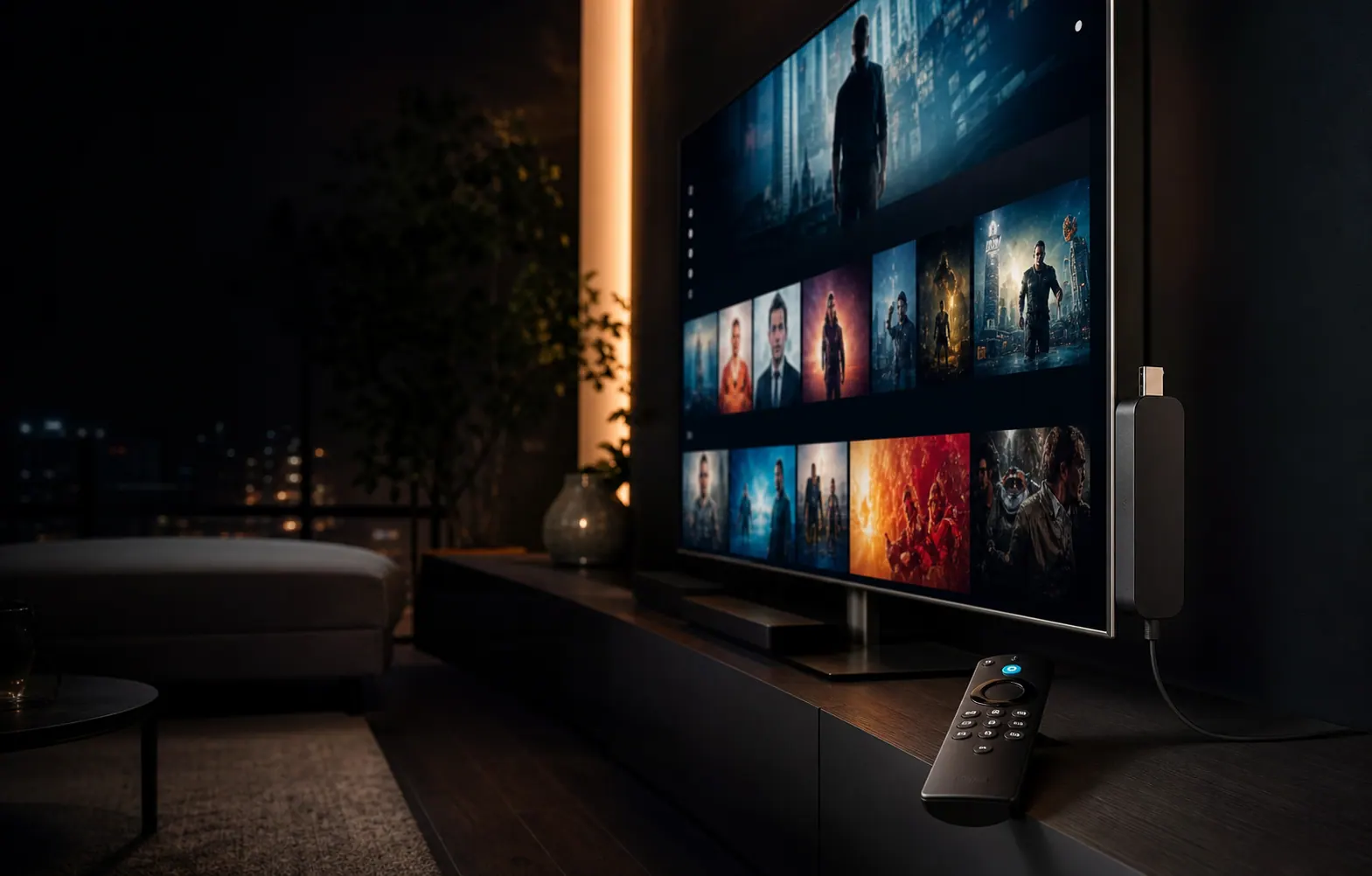
Fire TV setup
Movies and series
Latest guides
Performance
Step-by-step solutions to every common IPTV problem: buffering, freezing, channels not loading, audio sync issues, login failures, and device-specific fixes.
Read article
Guide
Learn everything you need to know about IPTV in 2026: what it is, what equipment you need, how to choose a provider, and step-by-step setup on any device.
Read article
IPTV Apps
Step-by-step guide to install and configure TiviMate on Firestick and Android TV. Covers sideloading, playlist setup, EPG config, performance tuning, and advanced features.
Read article