Support

qwevo tv support for setup, renewals, and troubleshooting.

The support page is now built like a help center: clear starting points, simple follow-up actions, and fewer distractions.
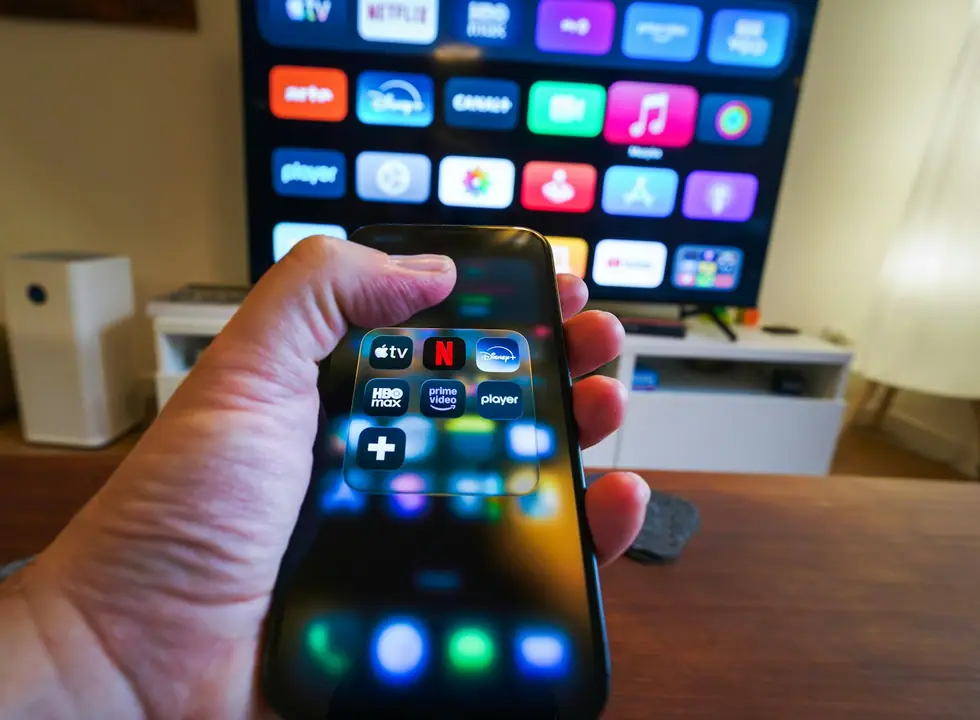
Android phone and smart TV support visual

WhatsApp help

Use the primary support channel for setup, renewals, and quick troubleshooting.

Device guidance

Get the right app and device setup for Smart TV, Fire Stick, Android TV, and mobile.

Billing help

Simple plan selection, renewal reminders, and clear next steps when you need them.

FAQ

Frequently asked support questions

Most orders are activated within minutes after confirmation and shared through WhatsApp.
qwevo tv works on Smart TVs, Android TV, Fire Stick, mobile devices, tablets, and desktop browsers.
Yes. The service is designed for live sports, films, and series from the same subscription.
Yes. Setup guidance and troubleshooting are part of the support experience.
Yes. Your subscription works across all your devices. Stream on your Smart TV in the living room while someone else watches on a Fire Stick or mobile device in another room.
For standard quality streaming, a 10 Mbps connection is sufficient. For 4K and FHD channels, we recommend at least 25 Mbps for smooth, buffer-free playback.
The service includes 26,000+ live channels covering sports, news, entertainment, and international programming, plus 100,000+ VOD titles with movies and TV series.
Payment is handled through WhatsApp. Our team confirms your plan, processes the payment, and activates your subscription within minutes.

Best next move

If you know the device, start with the guide.

The support page now points people to the right help path without making them scroll through a large wall of text.